Free TikTok Caption Generator: Create Engaging Captions with Emojis in Seconds
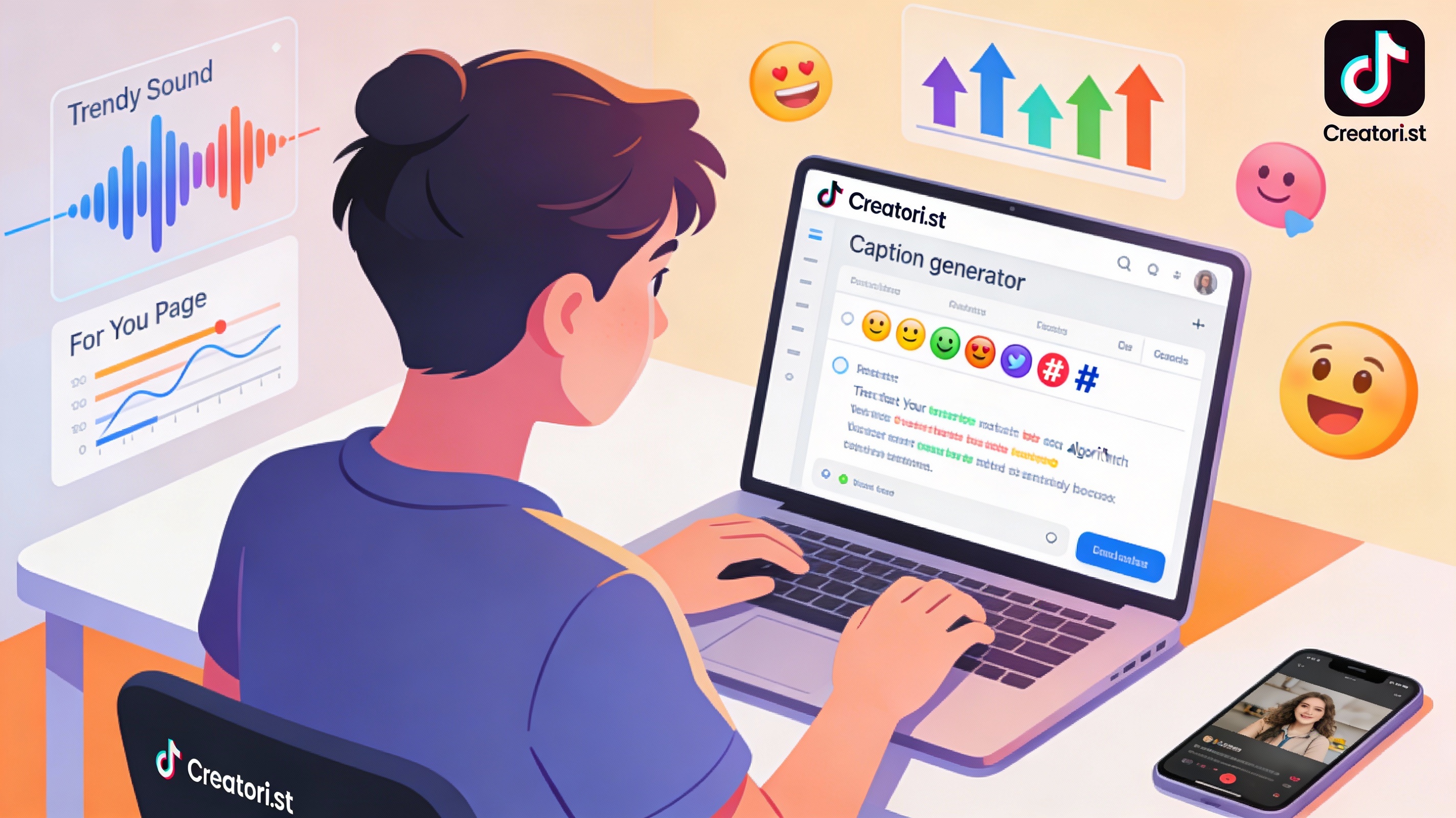
Creating Engaging TikTok Captions is a Skill—Learn It Fast
Creating engaging TikTok captions is one of the most underrated skills in content creation. While you might spend hours filming and editing your video, a weak caption can stop your content dead in its tracks. Worse? A caption that fails to optimize for TikTok’s algorithm leaves thousands of potential viewers undiscovered.
The good news: you don’t have to write captions from scratch anymore.
This guide walks you through caption strategies specifically for TikTok, while introducing you to Creatori.st’s AI-powered caption generator, a tool designed to cut your caption writing time in half while maximizing engagement on the platform.
Why Your TikTok Captions Matter More Than You Think
Before we dive into the how-to, let’s establish the why.
TikTok’s algorithm depends heavily on captions. Unlike other platforms where visuals dominate, TikTok reads your caption text to categorize and rank your video. The algorithm scans your captions to understand what your content is about, then decides where to show it on users’ For You Pages.
Research shows that creators using AI-generated captions experience a 25-30% increase in engagement rates compared to manually written captions. TikTok captions can be up to 4,000 characters—far longer than other platforms—giving you plenty of room to incorporate keywords, hooks, and engagement-boosting elements.
Beyond algorithms, captions add context and personality to your videos. A well-crafted caption can transform a simple video into a conversation starter that drives comments, shares, and followers.
TikTok Captions: Mastering the Algorithm’s Favorite Text Field
TikTok’s algorithm ranks content using three main signals: user interactions (what you watch, like, share, comment on), video information (captions, hashtags, sounds), and user information (language, country, device type).
Your caption falls into the crucial “video information” category—making it one of the most important ranking factors for TikTok SEO.
TikTok Caption Algorithm Strategy
Front-Load Keywords: Use 1-2 relevant keywords early in your caption. The algorithm gives extra weight to keywords placed in the first two lines of your caption. Examples include “TikTok caption tips,” “viral TikTok ideas,” or “content creator hacks.“
Don’t just use generic phrases. Instead, think like your audience is searching TikTok’s search bar. What exact phrases would they type? Use those naturally in your caption.
Balance Keywords with Readability: Don’t stuff keywords unnaturally. Write sentences people would actually say out loud. TikTok’s algorithm rewards natural, conversational language that feels authentic.
Use Hashtags Strategically: Combine 2-5 popular hashtags (#FYP, #ForYouPage, #Viral) with 1-2 niche hashtags specific to your content (#SmallBizTok, #CreatorEconomy, #MealPrepIdeas). Niche hashtags have less competition and attract genuinely engaged audiences interested in your specific topic.
Never use just generic hashtags—treat hashtags as search phrases your audience actually types into TikTok.
Leverage Longer Captions: TikTok allows up to 4,000 characters. The longer your caption (up to ~2,200 characters), the more context the algorithm can extract. Tell a story, ask questions, or share insights—this gives TikTok’s AI more data to match your content with relevant audiences.
TikTok Long-Tail Keywords to Target
Long-tail keywords are specific, multi-word phrases with lower search volume but higher intent. They’re perfect for TikTok because they attract viewers ready to engage.
Examples:
- “How to write captions that increase TikTok engagement”
- “TikTok caption ideas for small creators”
- “How to optimize TikTok captions for algorithm ranking”
- “TikTok hashtag strategy for viral videos”
- “Best caption length for TikTok videos”
To find long-tail keywords, use TikTok’s autocomplete search feature. Start typing in TikTok’s search bar—the suggestions you see are real user searches.
TikTok Caption Formula That Works
The Algorithm-Optimized Formula: Hook + Keywords + CTA + Hashtags
Example:
“Most creators skip optimizing their TikTok captions. Big mistake. 🎥
Here’s the game-changer: TikTok’s algorithm reads caption text to categorize your video and decide where to show it. Strategy:
- Front-load keywords (use terms people search for in TikTok’s search bar)
- Tell a micro-story (give context so the algorithm understands your niche)
- Add 2-5 popular hashtags + 1-2 niche hashtags
- Keep it under 2,200 characters for clarity
Tag a creator who needs this caption strategy 👇 #ContentTips #CreatorHacks #TikTokGrowth”
This caption naturally incorporates keywords, includes strategic hashtags, tells a story, and ends with a CTA that encourages engagement.
How Emojis Boost TikTok Engagement
Emojis break up text and add visual appeal to your caption. They also signal emotion instantly—essential on a platform where attention spans are measured in seconds.
Best emoji practices:
✅ Start with an emoji to draw attention
👉 Use emojis as visual bullet points (✅, 👉, 🎯)
🎯 Include 2-5 emojis maximum per caption
📱 Choose emojis that align with your content topic
⚠️ Avoid overusing decorative emojis—each one should serve a purpose
The Solution: How Creatori.st’s Caption Generator Works
Writing platform-specific captions is time-consuming. Even experienced creators spend 15-30 minutes per caption, crafting the perfect hook, emoji placement, hashtag mix, and keyword integration.
Creatori.st’s AI-powered caption generator eliminates this friction.
If you want to learn the complete system and see how to use Creatori.st across Instagram, TikTok, LinkedIn, and more, check out this comprehensive guide on how to use Creatori.st’s caption generator for Instagram, TikTok, LinkedIn and more. It covers platform-specific strategies, long-tail keyword optimization, and step-by-step instructions for maximizing engagement on every major social platform.
What You Get with Creatori.st
Multi-Platform Support: While this article focuses on TikTok, Creatori.st generates captions optimized for Instagram, TikTok, LinkedIn, Twitter/X, Pinterest, Facebook, Threads, YouTube, and more—all from one tool.
Platform-Specific Templates: Each platform has unique requirements. Creatori.st automatically adjusts caption length, emoji density, hashtag suggestions, and tone for TikTok specifically.
Customizable Tone of Voice: Whether your brand is professional, playful, educational, or inspirational, the tool adapts to match your voice. No more generic-sounding captions.
Long-Tail Keyword Integration: The generator naturally incorporates long-tail keywords into TikTok captions without forced or spammy language, helping you rank for specific search queries on TikTok’s algorithm.
Hashtag Magic: Get trending and niche hashtag suggestions specifically for TikTok, with automatic optimization based on what performs best.
Emoji Recommendations: The tool suggests emojis that complement your message—avoiding the overstuffed look while maximizing visual appeal.
Unlimited Variations: Generate 5-10 caption options and choose the one that resonates most with your brand. A/B test different approaches to discover what your audience loves.
How to Use Creatori.st Caption Generator for TikTok
Step 1: Visit the Tool
Go to creatori.st/en/caption and you’ll see a simple, intuitive form.
Step 2: Select TikTok as Your Platform
Choose TikTok from the platform dropdown. The tool automatically adjusts all recommendations to match TikTok’s best practices and algorithm preferences.
Step 3: Describe Your Video Content
Briefly describe what your TikTok is about. For example:
- “Productivity tips for remote workers”
- “Skincare routine for sensitive skin”
- “Small business behind-the-scenes moment”
- “Fitness motivation and transformation journey”
Step 4: Set Your Tone
Select your brand voice: Professional, Playful, Educational, Inspirational, Witty, or Informative. This ensures generated captions align with your personality.
Step 5: Optional—Include Keywords
If you’re targeting specific keywords, mention them in your content description. The tool will weave them naturally into your captions.
Step 6: Generate & Choose
Hit the generate button. You’ll receive 5-10 unique TikTok-optimized captions, each with:
- ✅ Strategic keyword placement
- ✅ 2-5 relevant hashtags (mix of popular and niche)
- ✅ Emoji suggestions
- ✅ Clear call-to-action
- ✅ TikTok algorithm-friendly structure
Step 7: Customize & Post
Copy your favorite caption, make minor tweaks if desired, and post directly to TikTok. The entire process takes 2-3 minutes versus 15-30 minutes of manual writing.
Real-World Impact: Why Smart Creators Use Caption Generators
Time Savings: Cut your TikTok caption writing time from 30 minutes to 3 minutes. For creators managing multiple content pieces, this means 5-10 extra hours per month for filming, editing, and growing your audience.
Consistency: Generate captions in the same voice and style consistently. This builds brand recognition and audience trust.
Algorithm Optimization: AI caption generators are trained on high-performing TikTok content. They naturally incorporate hooks, CTAs, and keywords that TikTok’s algorithm rewards.
Reduced Decision Fatigue: Instead of staring at a blank screen wondering what to write, you choose from multiple polished options. This accelerates your content publishing workflow.
Higher Engagement Rates: Companies using AI-generated TikTok captions report 25-30% higher engagement rates. When combined with thoughtful keyword optimization, results compound over time.
Advanced: Long-Tail Keywords for TikTok Caption Optimization
Long-tail keywords are specific, multi-word phrases with lower search volume but higher intent. They’re perfect for TikTok because they target viewers ready to engage and interested in your exact niche.
How to Find Long-Tail Keywords for Your TikTok Niche
Use TikTok’s Autocomplete: Start typing in TikTok’s search bar. The autocomplete suggestions are real user searches—gold for keyword discovery.
Analyze Competitor Captions: Check what hashtags and keywords top creators in your niche use. Look for patterns in their most-engaged videos.
Reddit & Quora Research: Search your niche on Reddit and Quora. The questions people ask reveal the exact language and pain points your audience searches for.
Use the TikTok Creative Center: TikTok provides a creator tool showing trending keywords by region and industry. Use this to find search volume for keyword variations.
Integration Strategy: Making Long-Tail Keywords Sound Natural
The key to long-tail keyword success is integration—they should feel like a natural part of conversation, not forced keywords.
Bad Example (Forced & Spammy):
“How to make TikTok captions with long-tail keywords for TikTok engagement how to write TikTok captions that go viral 🎥”
Good Example (Natural & Engaging):
“Tired of your TikToks getting buried?
Here’s what separates viral creators from the rest: they optimize their captions for what people actually search for.
Instead of generic hashtags, use specific phrases like ‘skincare routine for sensitive skin’ or ‘beginner-friendly morning workout.’ These long-tail keywords attract people genuinely interested in your content—not just browsers.
Want the keyword research system I use? Drop ‘KEYWORDS’ in the comments 👇 #TikTokHacks #ContentStrategy”
Notice how the long-tail keywords feel like a natural part of the conversation.
Platform-Specific Long-Tail Keywords for TikTok
- “How to write TikTok captions that increase engagement”
- “TikTok caption ideas for small creators and businesses”
- “Best practices for TikTok hashtag strategy 2025”
- “TikTok SEO tips to rank on For You Page”
- “How to optimize TikTok captions for algorithm ranking”
- “Trending TikTok caption formats that go viral”
- “TikTok caption length best practices for engagement”
- “How to use keywords in TikTok captions without spamming”
Start Creating High-Engagement TikTok Captions Today
The best TikTok captions combine three elements: strategic keyword placement, relevant emojis and hashtags, and a clear call-to-action. By using an AI-powered free TikTok caption generator with emojis and CTA suggestions, you remove the guesswork and create captions optimized for maximum engagement.
Stop spending 20-30 minutes per caption wondering if your keyword placement is right or if your emojis match the vibe. Use Creatori.st’s free TikTok caption generator to create captions that resonate with your audience, drive engagement on the algorithm, and help your videos reach more followers.
Your next viral TikTok post is just a few clicks away. Start generating optimized captions today.